How it works
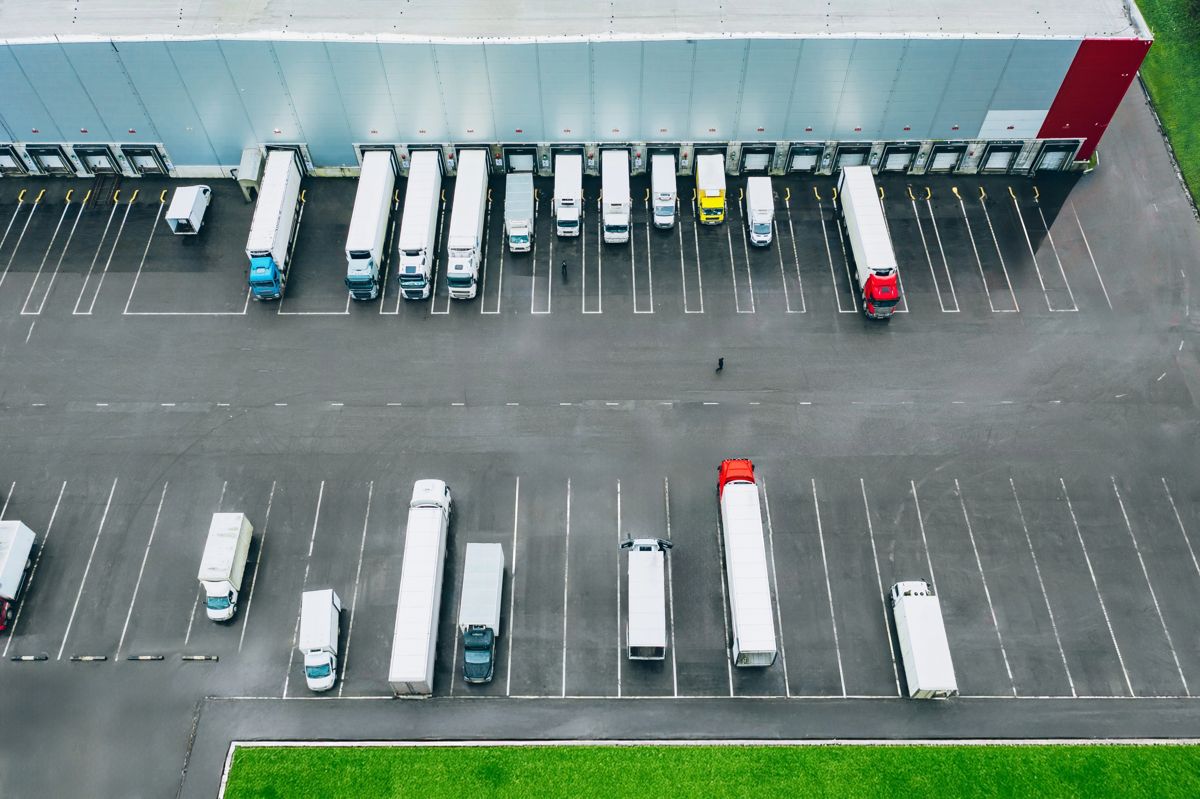
From terminal gate to signed POD
A clear, shared workflow for the freight owner and the truck — no phone tag, no spreadsheets.
- Step 1
Create your shipper account
Railroads, ocean carriers, ports, terminal operators and large shippers sign up in a minute.
- Company profile
- Role-based portal
- Step 2
Post a move in five steps
Origin terminal, container & cargo, pickup/delivery windows, carrier requirements, then review.
- 20', 40', 45' & 53' containers
- Hazmat, TWIC, insurance minimums
- Gate hours & appointments
- Step 3
Compare quotes & book
Matched carriers quote directly. See MC#, safety rating, equipment, rate and estimated transit side-by-side.
- Accept or decline in one click
- Carrier notified instantly
- Step 4
Track through delivery
Follow each milestone from Pending Pickup to Delivered, with carrier notes and timestamps.
- Signed POD on file
- Report issues with photos
- Step 1
Get vetted once
Add MC/DOT numbers, insurance certificate, TWIC status and safety rating.
- Upload COI from your phone
- Expiry dates tracked
- Step 2
List equipment & lanes
Register tractors and chassis, set a home-base radius, service states and preferred corridors.
- Blackout dates for downtime
- Equipment status at a glance
- Step 3
Find & quote loads
Filter the load board by area, equipment, date, distance and rate. Submit your price in seconds.
- Lane matches highlighted
- Update a quote before acceptance
- Step 4
Run the load from your phone
Tap through status updates, see appointment times and shipper contact, and snap the POD at delivery.
- En Route → Arrived → Loaded → Delivered
- Earnings & payment status
The quote-to-POD loop
What happens behind every move on LastMile.
Move posted
Shipper publishes requirements
Carriers matched
Lane, equipment & credentials checked
Quotes submitted
Carriers price the move
Quote accepted
Shipment booked, carrier notified
Delivered + POD
Photo POD closes the load